Your free Selfie Guide
iPhone and Android settings, light, angles, selfies, editing and the seven-day challenge. Keep using the complete Guide for free.
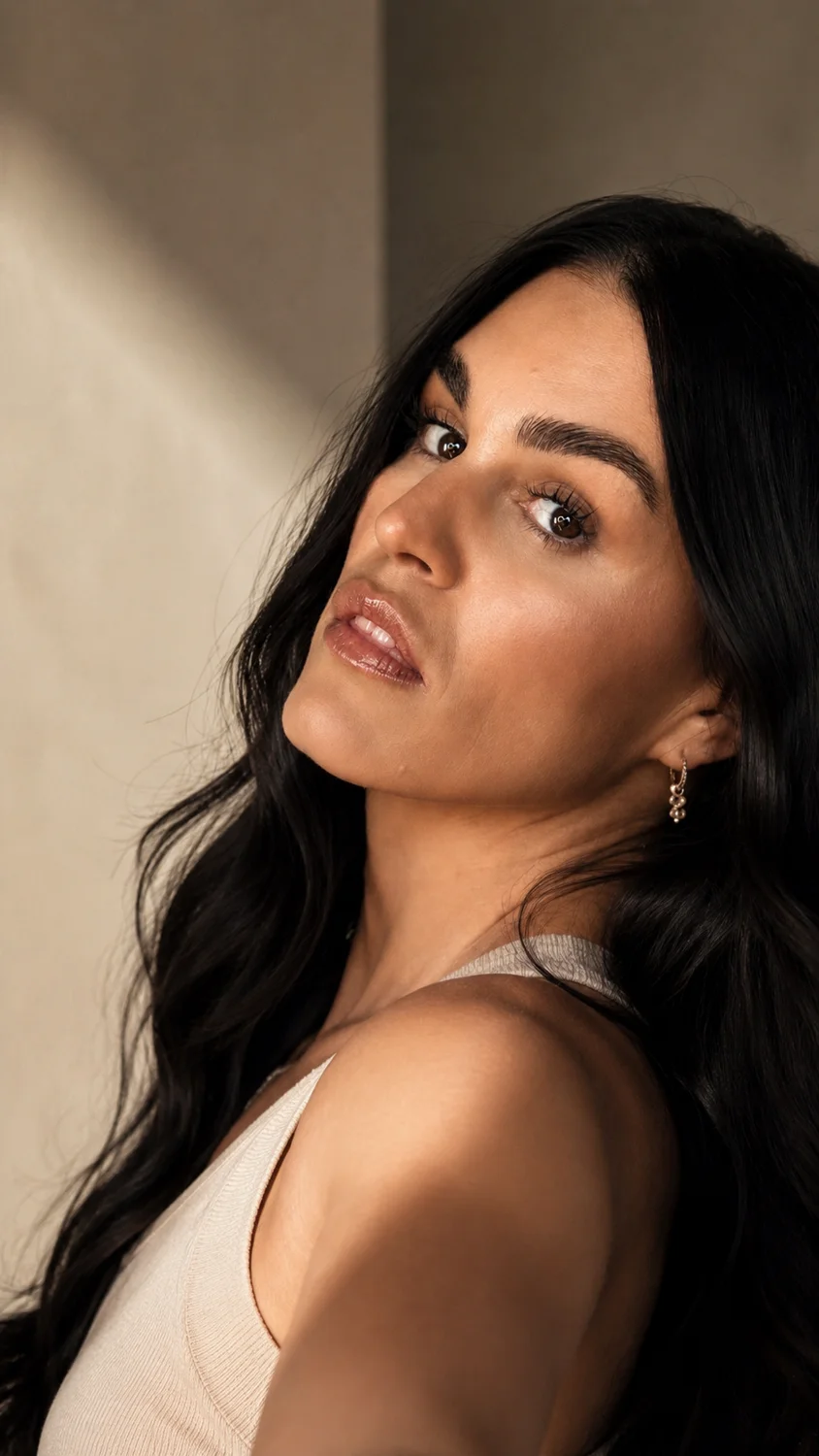
Try a pose, follow an edit and get your phone photo ready to share. The videos, presets and guides are together in your Kit.
iPhone and Android settings, light, angles, selfies, editing and the seven-day challenge. Keep using the complete Guide for free.
Add editing videos, 15 Lightroom Mobile presets and guided resources for nine poses, Canva and captions. Use them alongside your own phone photos.
Start with the part you want help with: pick a pose, follow an editing lesson or try a preset. You can pause, try it on your photo and come back to the next step.
7 videos · 5 guided resources · 15 mobile presets
One $37 payment. No subscription. A Suite membership is not required. Maya and AI photo generation are not included.
Already have the Kit? Open it in Academy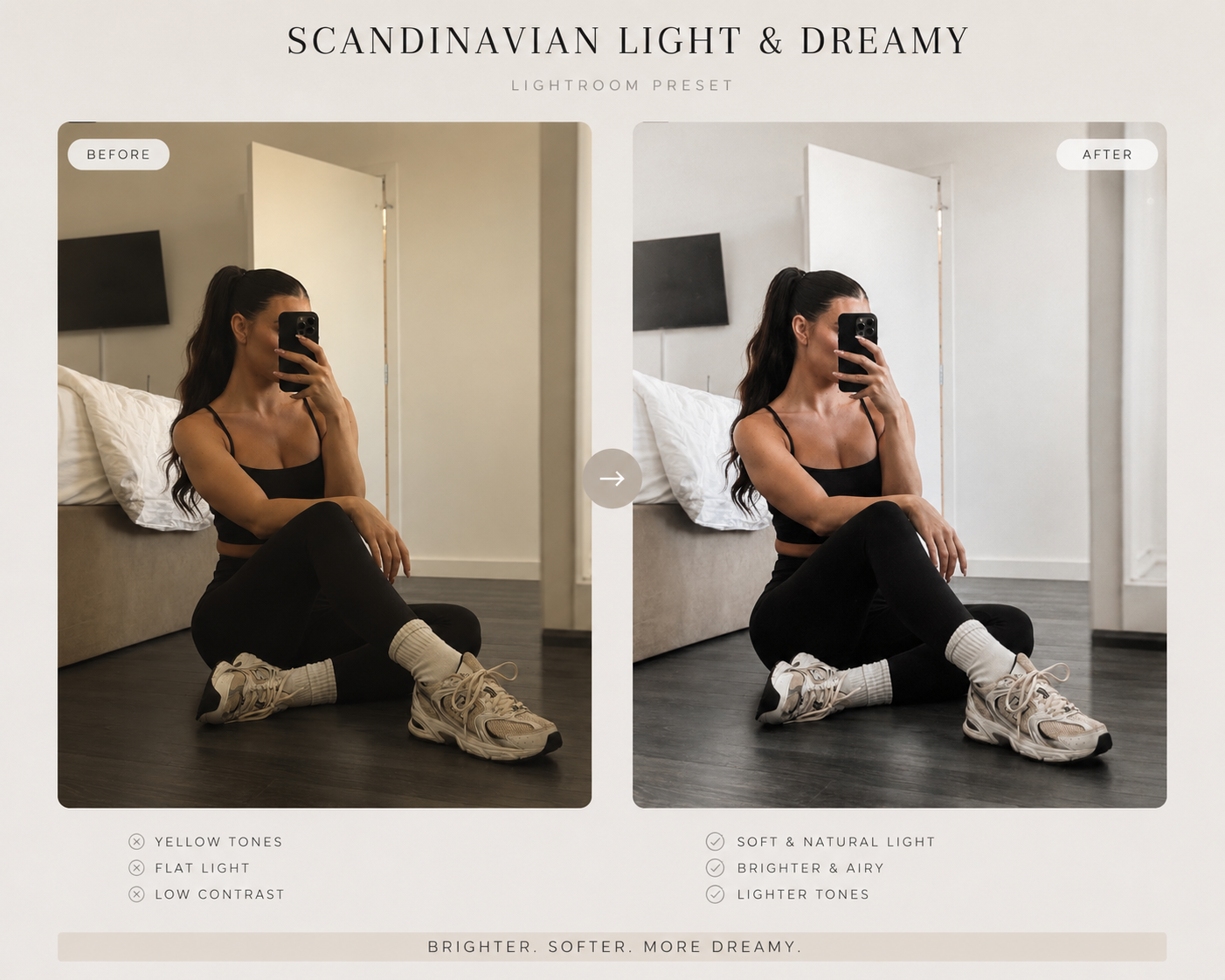
Download your DNG files, import them into Lightroom Mobile and save your first edit.
All nine original poses, with help on angles, expression, light and using your phone timer.
Choose a photo, make a clear design and save a finished copy.
Follow the Lightroom, iPhone Photos, Hypic and CapCut lessons, then compare your edit with the original.
Caption ideas, storytelling exercises and an optional 30-day posting map. Choose what fits your photos.
Try this first: open Applying your presets, with your own phone photo ready. Follow the lesson and keep the preset setup guide beside you as you save and try your edit.
All seven original videos, with current lesson notes alongside them. Some recordings use iPhone; the guides include iPhone and Android options.
01
02
03
04
05
06
07
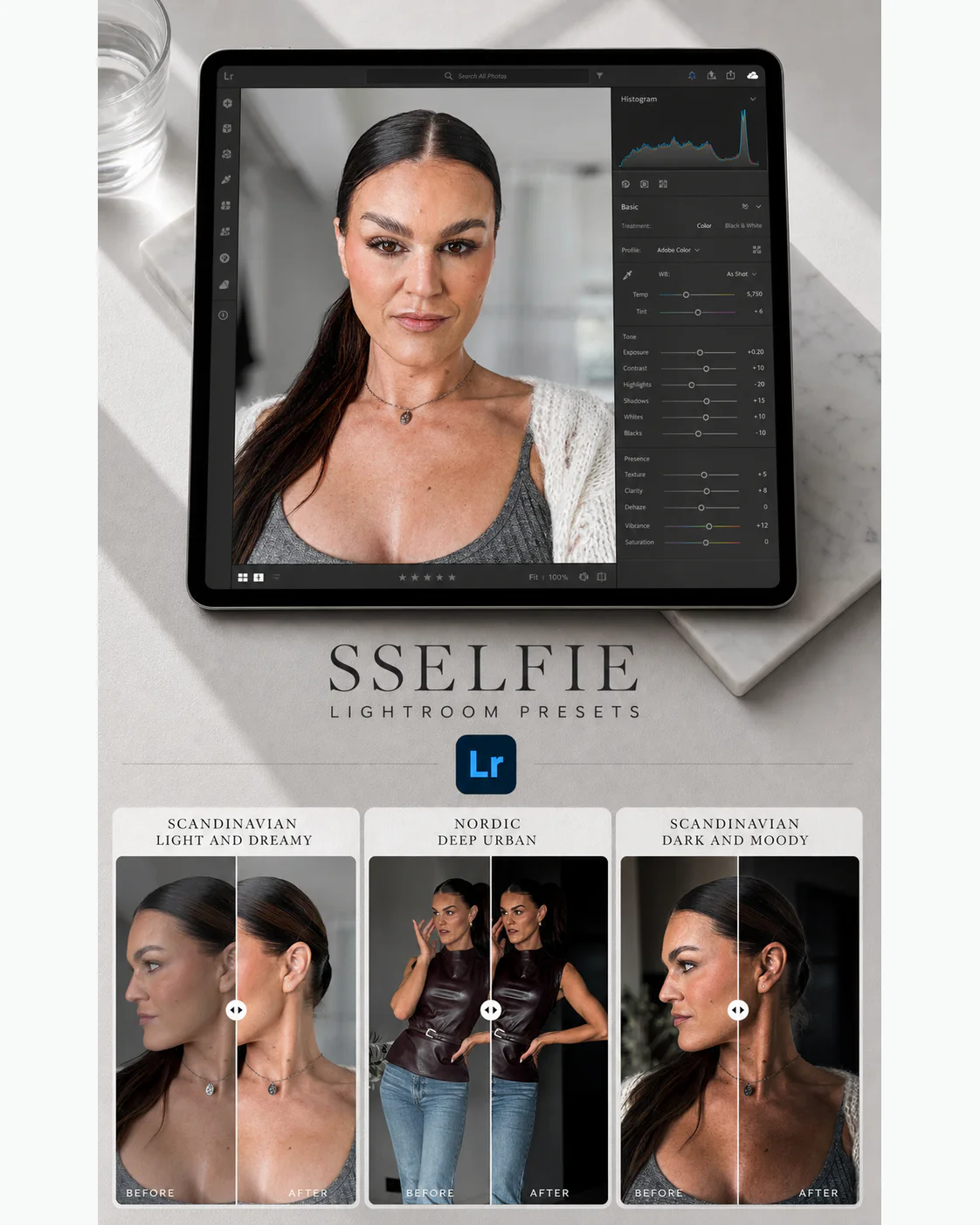
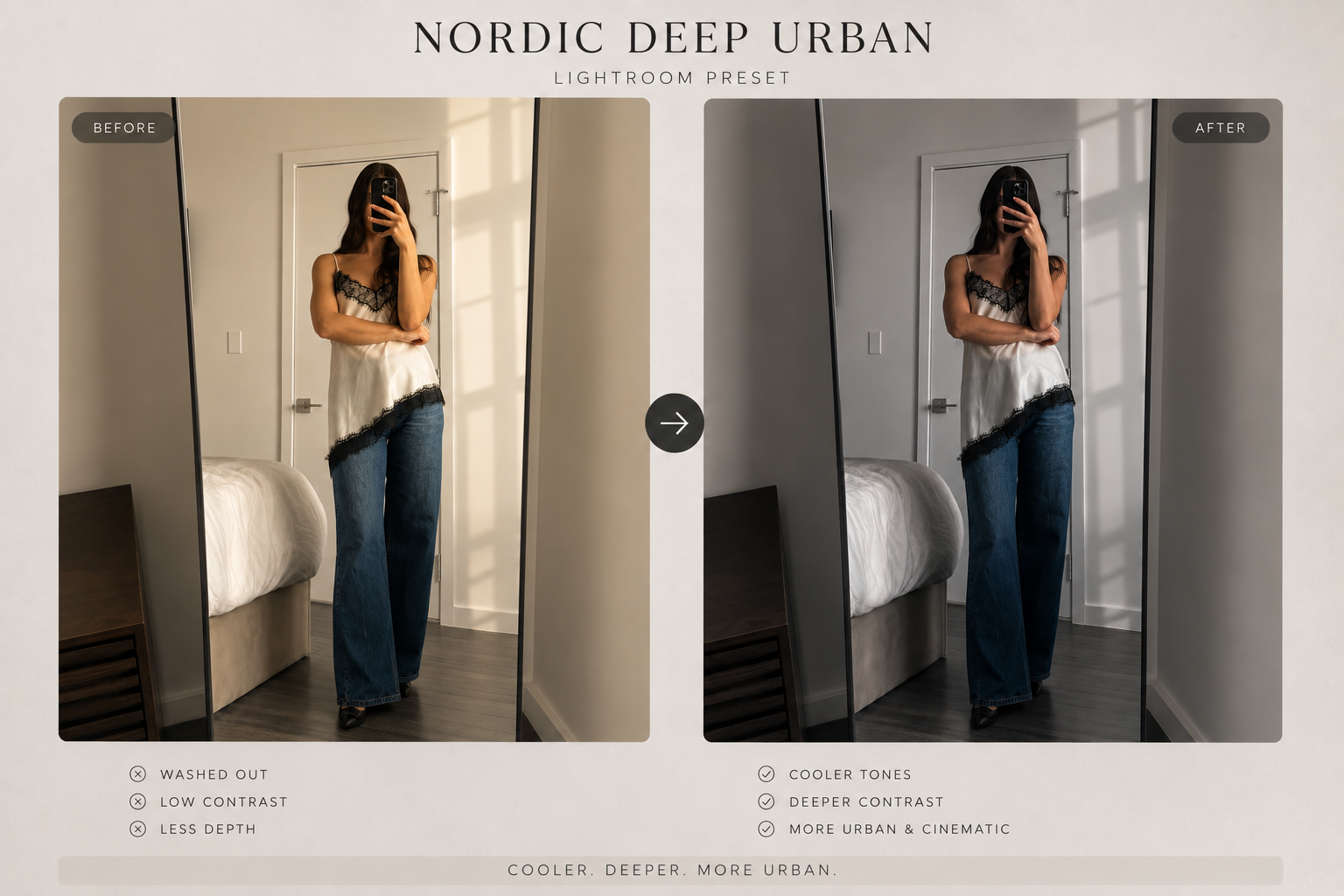
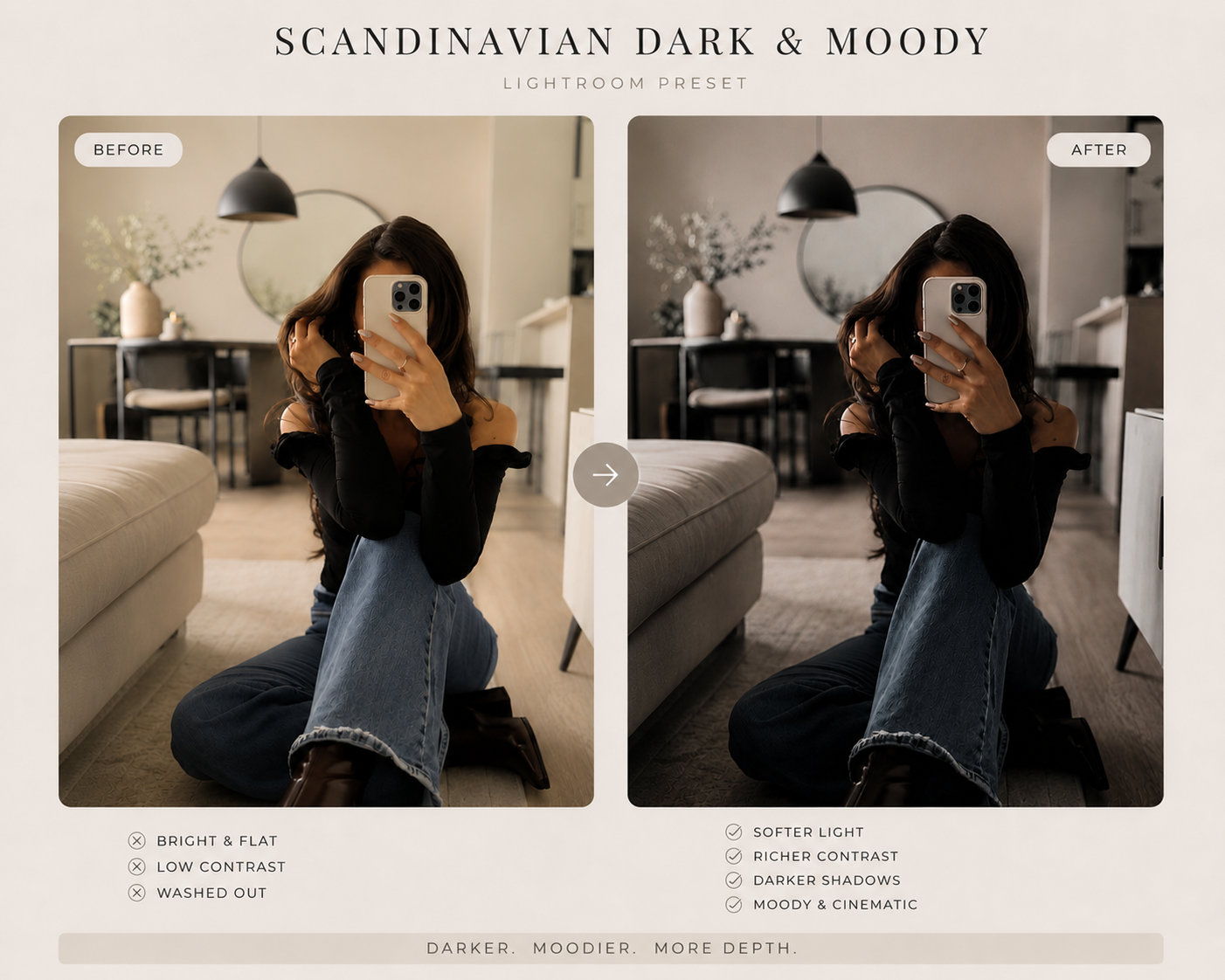
15 mobile DNG presets, in three collections. Apply one in Lightroom Mobile, adjust it for your photo and compare it with the original.
5 mobile presets
5 mobile presets
5 mobile presets
Download all 15 together or one collection at a time. The setup guide stays with your files.
Lightroom is a separate app; its subscription is not included.
Phone setup, light, angles and taking the photo, with iPhone and Android options. Open the full guide from your Kit.
The five original PDFs, original Editing Checklist and editable Branding Planner remain available with the refreshed guides.
Choose Videos, Guides & resources or Presets in Academy. Follow the lessons at your own pace and return to your saved place.
Your Kit opens as soon as you've paid. No password needed. Your private link also goes to the email you used at checkout, so you can always get back in. Read the refund terms.