SSELFIE
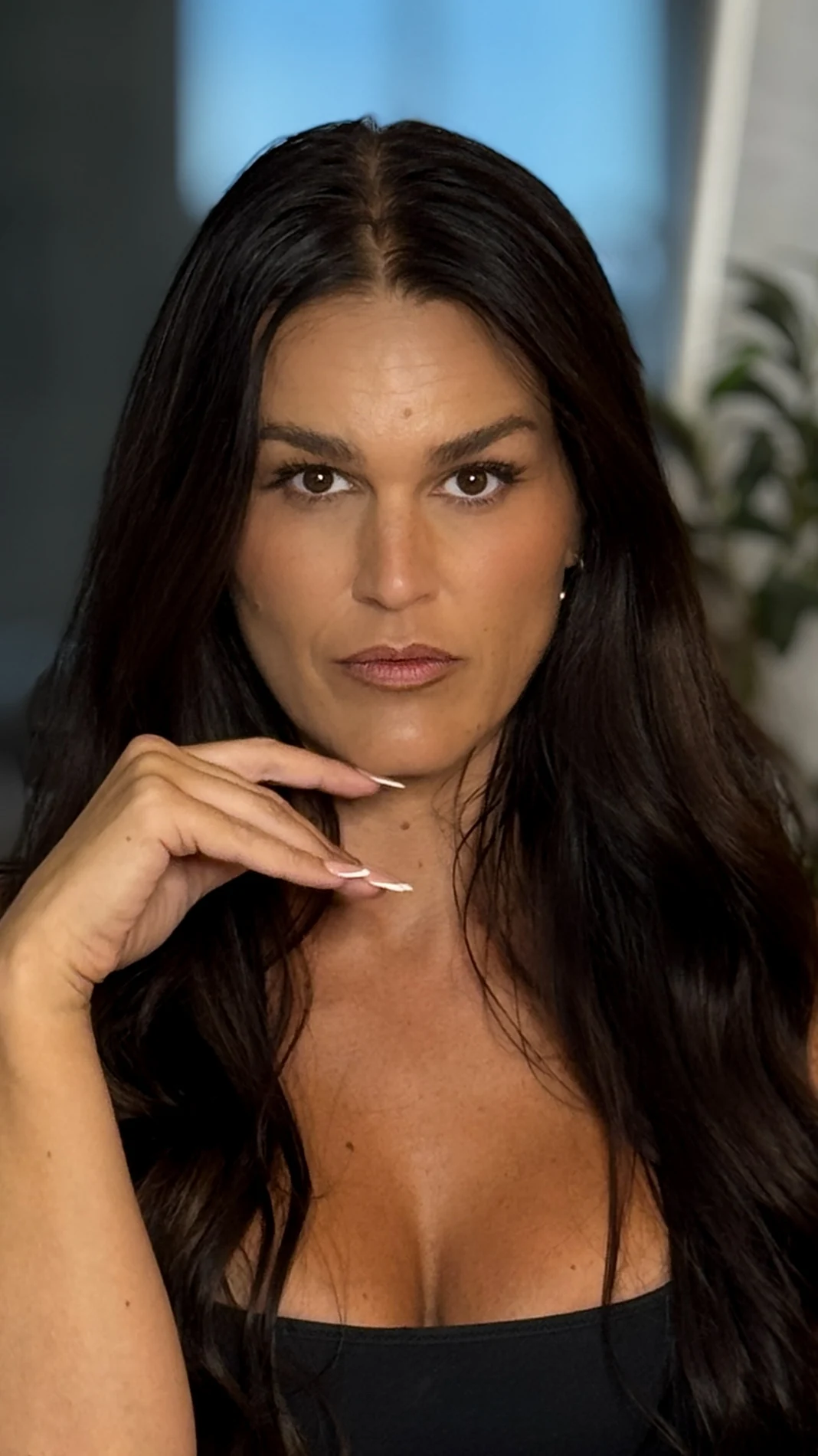
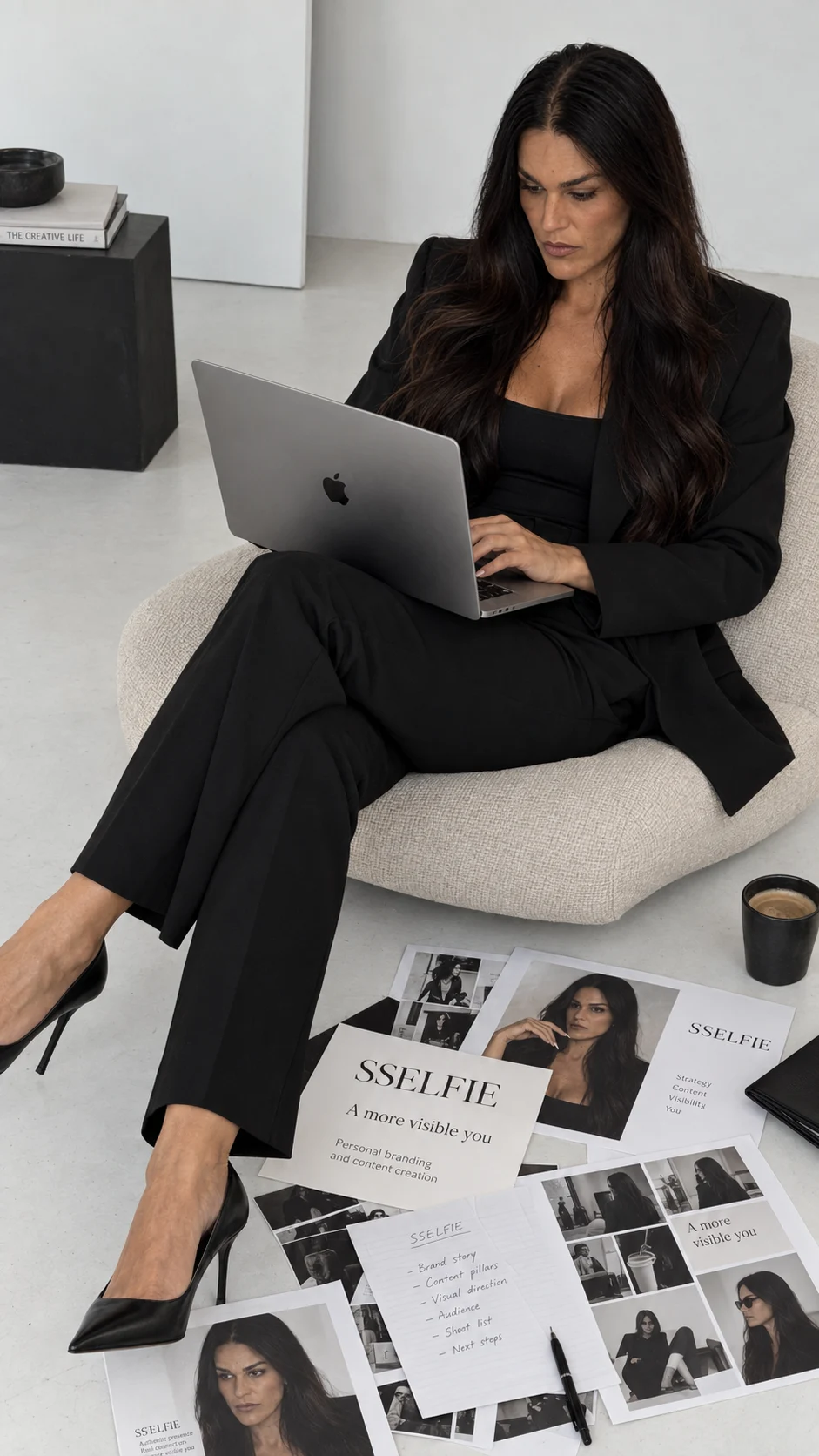
Sandra Aamodt, founder of SSELFIE
Start with what you already have

Start with one selfie. See what you can build from there.

Turn one normal selfie into photos that still feel like you, something useful to post, and one clear next step. Begin with the Prompt Vault. Keep building with Maya inside SSELFIE SUITE.

Sound familiar?

Maybe you do not need a bigger plan. Maybe you need one result you can use.

You have the phone, the idea, and probably hundreds of things saved for later. But later keeps moving.

SSELFIE starts smaller. One photo you like enough to use. Then help turning it into something real, without opening five more tools or starting another course.

One small beginning

The photo is the door. What you do with it is the point.

Inside SUITE, Maya works beside your photos and Calendar. She helps you choose a direction, make the pieces, and keep the next step visible.

SSELFIE SUITE

Current grid · Signature

Your next nine posts

Calendar · drag, change, or create

Sandra in a black coat holding coffee
Sandra in a black jumpsuit in a minimal studio
Sandra in a flowing ivory wrap dress
Sandra arranging personal-brand photographs at a creative direction table
Sandra wearing a black halter dress against an ivory wall5
Phone and earbuds beside a monochrome personal-brand photo grid
Close portrait of Sandra in an ivory wrap blouse
Laptop displaying Sandra's personal-brand content grid
Sandra seated on a white sculptural chair in a black dress
9:41
Your week
Sandra in a black coat holding coffee
Sandra in a black jumpsuit in a minimal studio
Sandra in a flowing ivory wrap dress
Sandra arranging personal-brand photographs at a creative direction table
Sandra wearing a black halter dress against an ivory wall5
Phone and earbuds beside a monochrome personal-brand photo grid
Close portrait of Sandra in an ivory wrap blouse
Laptop displaying Sandra's personal-brand content grid
Sandra seated on a white sculptural chair in a black dress
Maya

Maya

AI creative director

Your direction is ready. Want me to create the first post?

This week

Direction ready
Three posts planned
Creating post 5
Illustrated walkthrough of the current Maya + Calendar flow. The exact screen keeps improving.
  1. 01

    See yourself

    Start with one clear selfie and a visual direction that still feels recognizable.

  2. 02

    Make something useful

    Create a photo or post you can actually use, instead of another idea sitting in a folder.

  3. 03

    Keep moving

    Bring the visual, the words, and the plan together so you can see what comes next.

Start where you are

Choose the help that fits today.

One payment · yours to keep

Start with the Prompt Vault.

Pick a complete photoshoot, copy the prompts, and turn one clear selfie into a set of images that still feel like you.

Ongoing help · €97 a month

Maya helps you create, write, and plan what goes out next.

One membership. Maya, Create, Calendar, Learn, and the SSELFIE library together. €97 a month.

Want to try one look first? Get the free AI prompt previews.

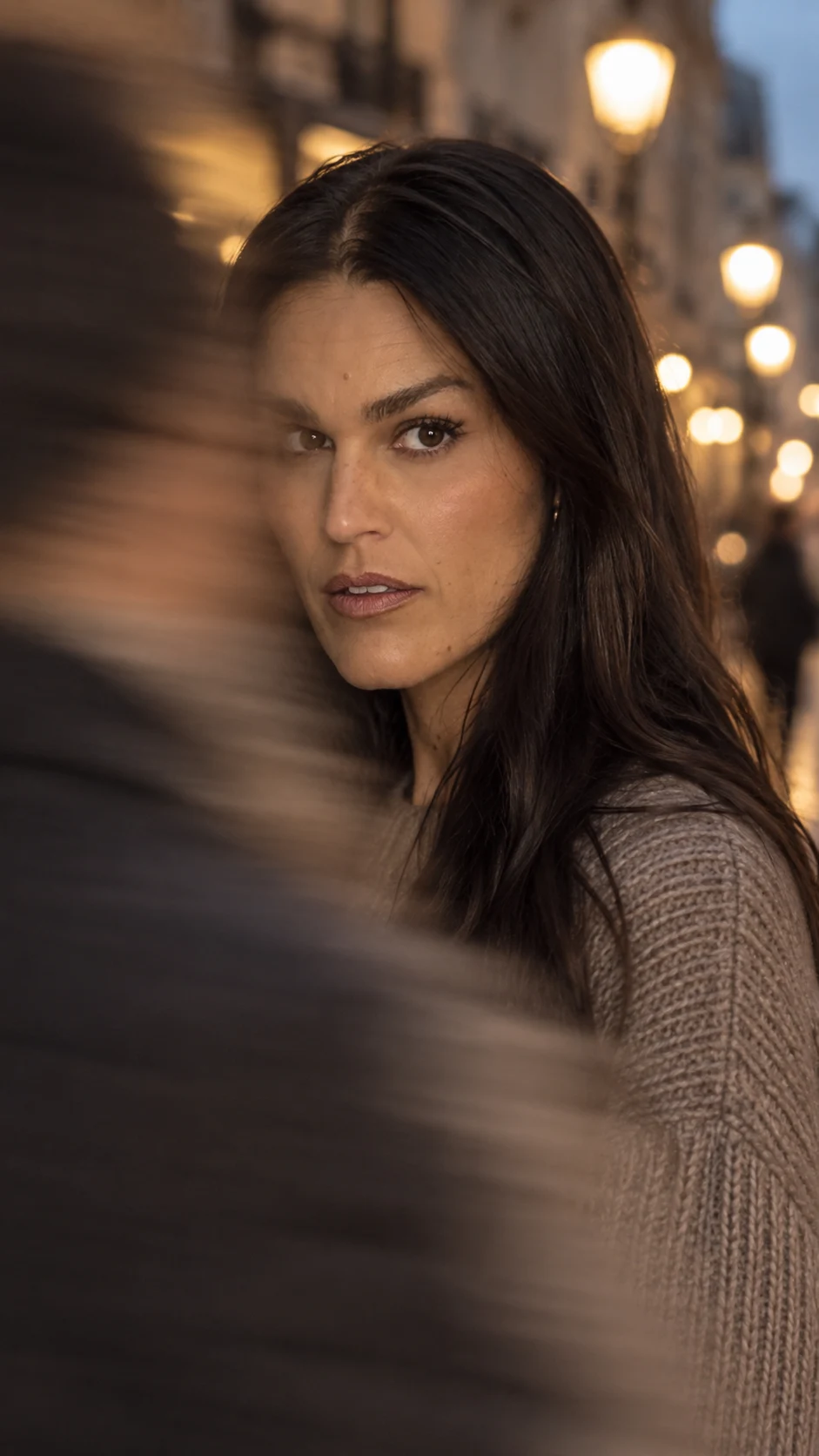
Sandra Aamodt, founder of SSELFIE
From Sandra

I built my visibility with my phone, my story, and a lot of figuring it out as I went.

Not because everything was perfect. Because I needed a way back to myself, my voice, and my own income.

I am still building too. But I know how much changes when you can see the next version of yourself before the rest of your life has caught up.

Start with one photo. Build from there.

You do not need everything figured out. You need one useful beginning and a next step you can see.